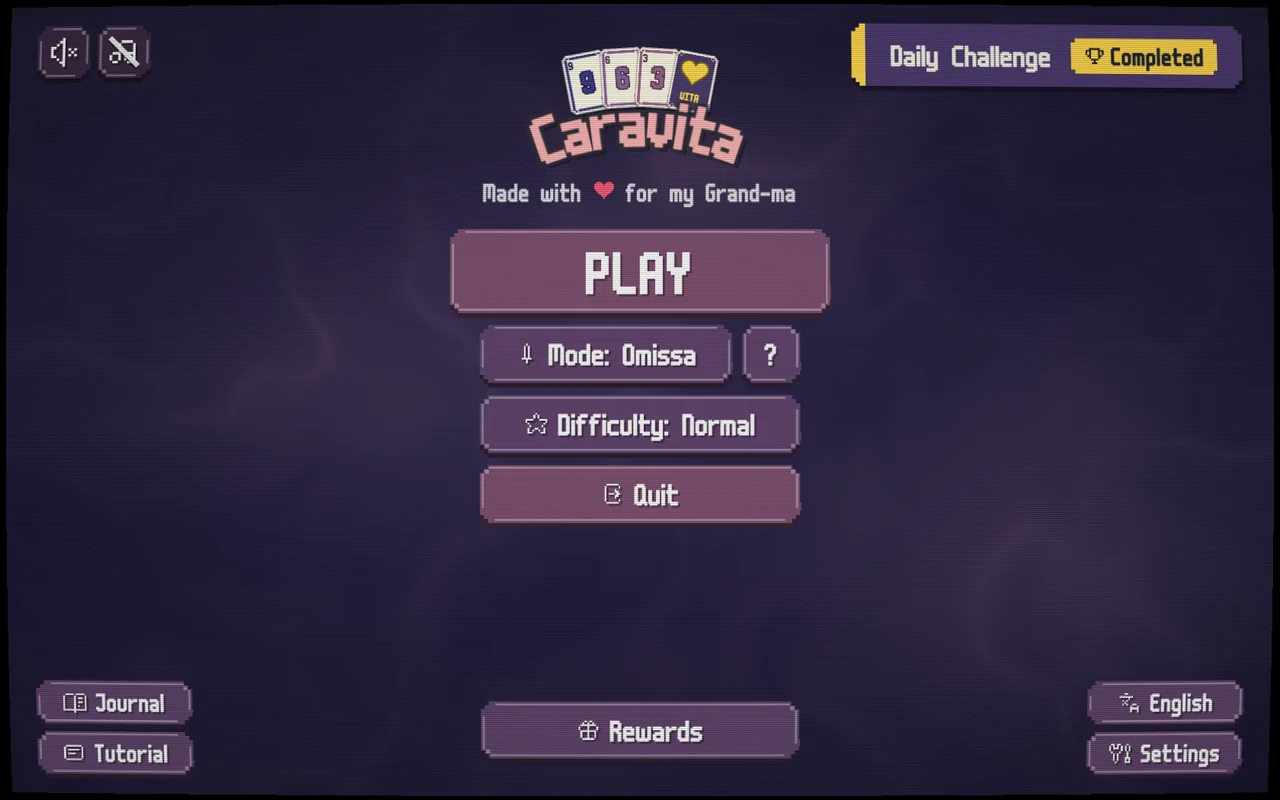
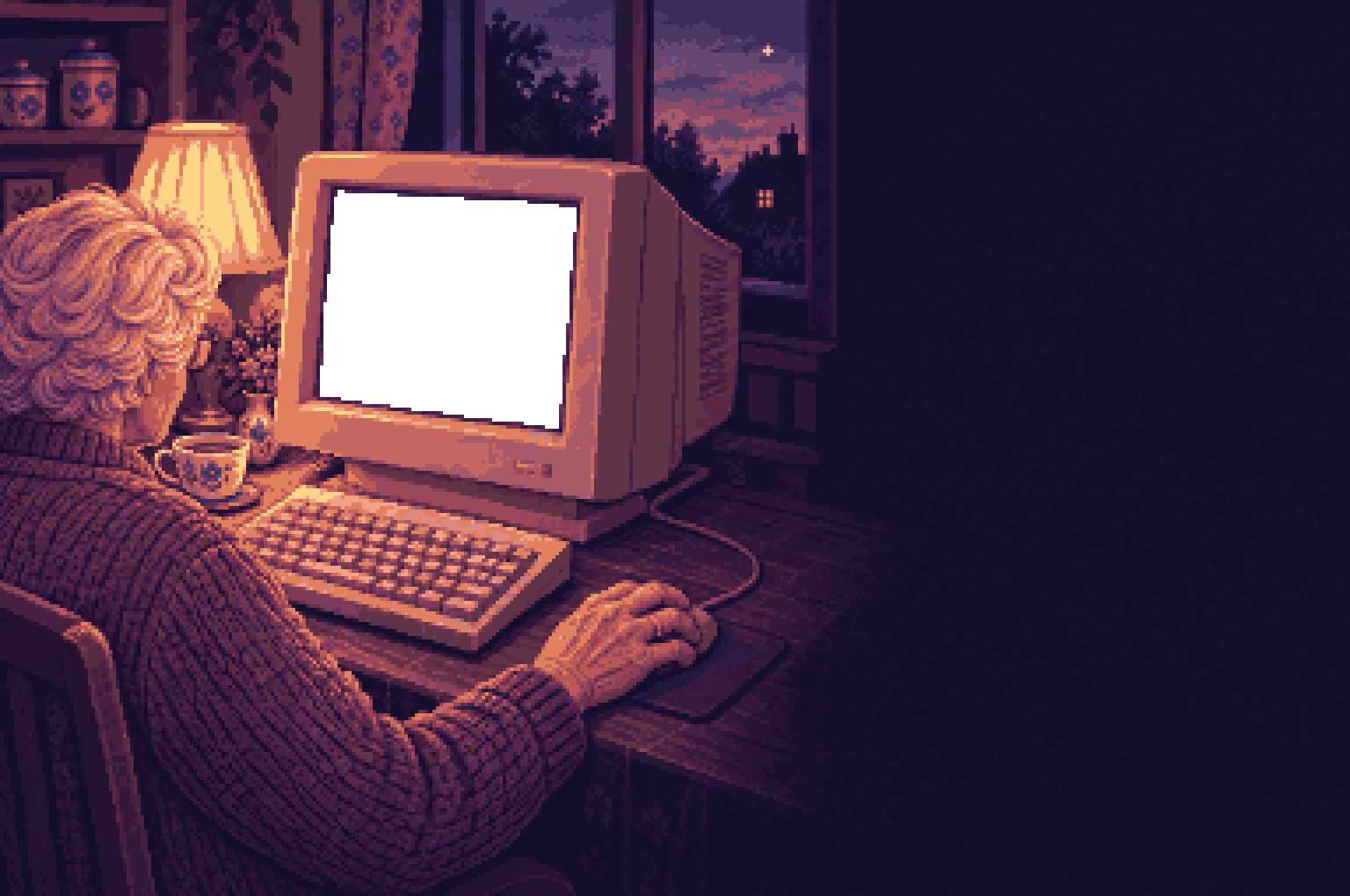
Where her old game used to live.
Caravita for Windows
The computer that took her old game away can give this one back. Caravita runs on an ordinary Windows laptop or desktop, with a mouse or a touchscreen, at any size of window.
In the box
- All eight games, each with its own lesson on a real hand of cards.
- The Daily Challenge, the same deal as everyone else that morning.
- Her language: more than eighteen at release.
- Every future update. One price, no subscription.
- No ads, no account, nothing to buy inside.
What it needs
- A 64-bit Windows computer.
- A folder to unzip. No installer.
- A mouse, a trackpad or a touchscreen. A keyboard or a controller works too.
Putting it on
- Step 1 of 3Pay below.The download link comes straight back, and by email too, so it can be fetched again on any computer.
- Step 2 of 3Unzip the folder anywhere.Her desktop is fine. There is no installer, and nothing is written anywhere else.
- Step 3 of 3Open Caravita.Windows may ask once whether to trust it. Then the game asks her three questions, and deals.
The three questions: her language, "Make the game easier to see and use?", and which colours are easier on her eyes. Every answer can be changed later, one by one.
What it costs
CA$13.99. No subscription, no ads, ever, and every future update is included.
Not out yet.
Caravita for Windows is being finished. This page will sell it the day it is ready.
Meanwhile, the opening of Omissa is playable on the first page. Take your turn